Local · videos · images
Make it small enough to send, without sending it anywhere.
Drop a recording, pick the part worth posting, and get an MP4 that fits under Discord's limit every time. Or a GIF, or a HEIC that every program opens. It all runs on your own machine, on your graphics card when you have one. Nothing is uploaded anywhere.
The download asks for a password. Ask Gerard for it.
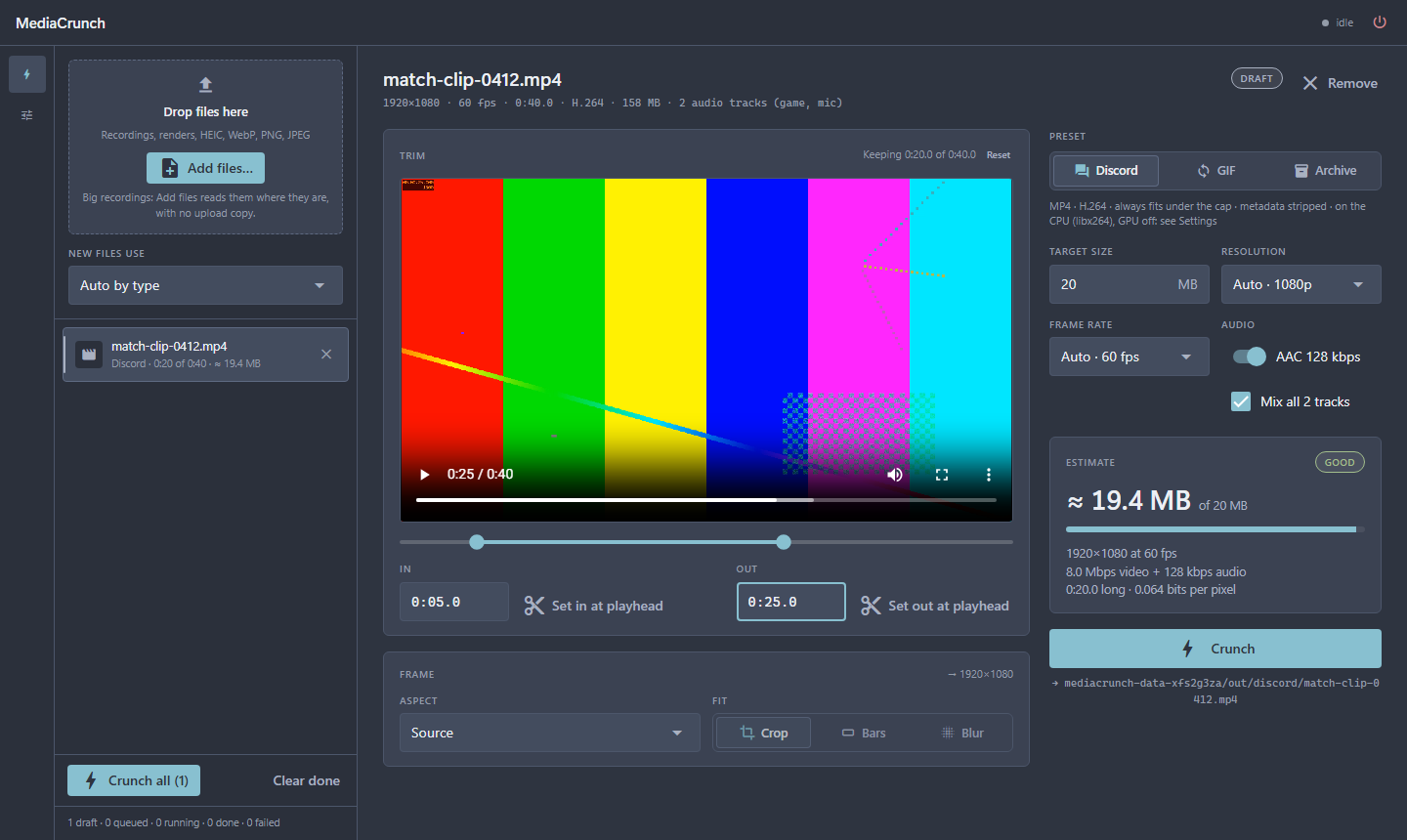
Always fits the limit
Trim it, see the size before encoding, and the result is checked: if it comes out over the cap, it is encoded again until it fits. Copy file, then Ctrl+V in Discord.
Clips that loop
A two-pass palette so it doesn't band, sized to stay under a cap you set.
HEIC, WebP, web sizes
iPhone photos to JPEG, upright. WebP to PNG with transparency kept. Renders down to 1920 px WebP, JPEG or AVIF.
Recordings, a fraction of the size
AV1 or HEVC at constant quality, every audio track kept. If it doesn't actually save space, nothing is kept.
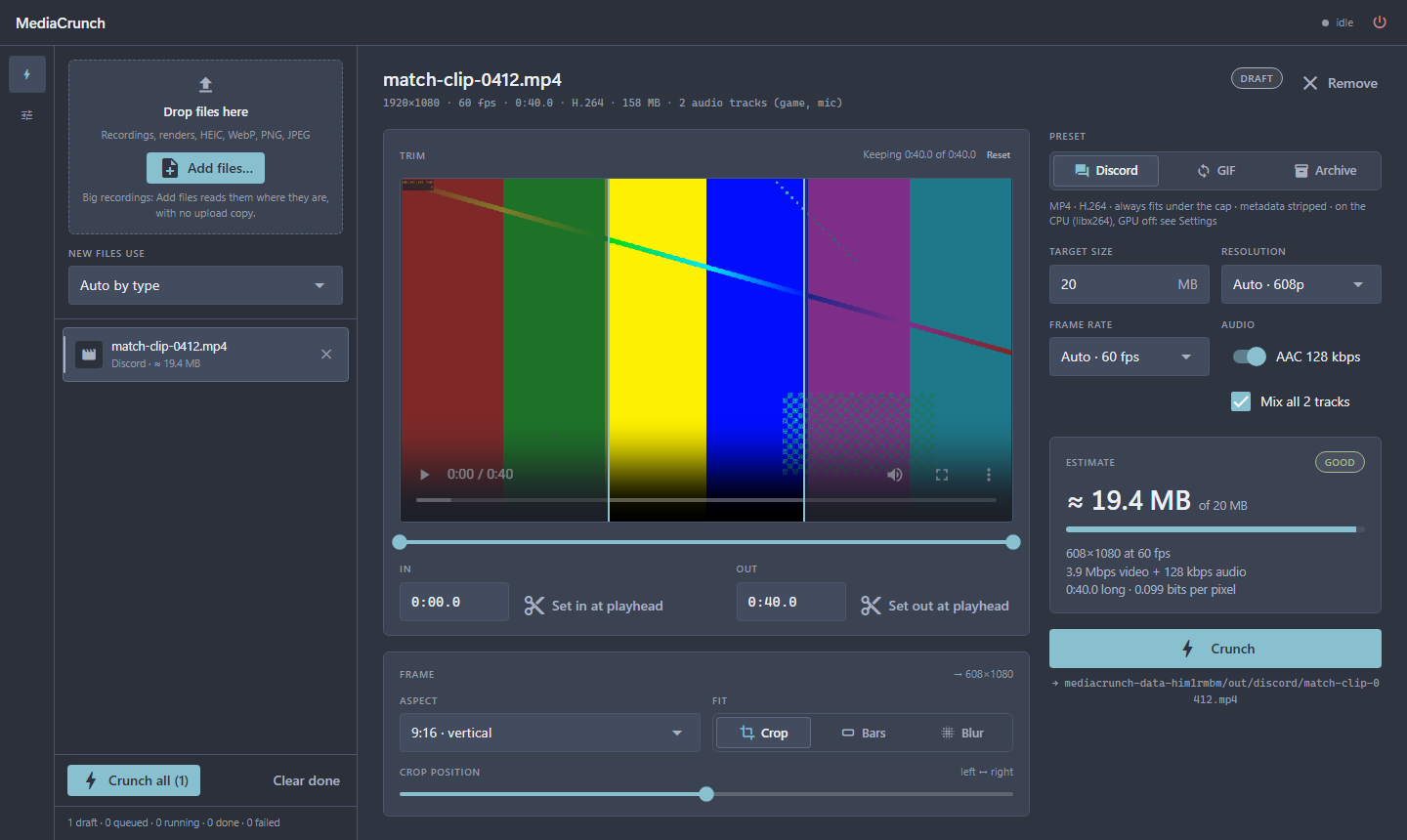
Vertical, square, or whatever the post wants.
Crop a landscape recording to 9:16 and slide the crop to where the action is, or keep the whole picture over bars or a blurred fill. Nothing is ever upscaled, and your originals are never touched.
- Windows
- 10 or 11, 64-bit
- Disk
- about 400 MB for the app, plus whatever you make
- Graphics
- Optional. An NVIDIA card (driver 570 or newer) encodes video on the GPU. Without one it uses the processor, which is slower but works the same.
- Internet
- Only for the download and its updates. Your files never go anywhere.
- Download the zip and unzip it anywhere, for example in Documents.
- Double-click MediaCrunch.exe. Windows will say it protected your PC because the app is not signed: More info, then Run anyway. Once.
- Drop a video or a photo on the window, or use Add files. Each one starts as a draft you can trim and frame before you press Crunch.
- Updates: the top bar says when there is one. Type the download password once in Settings, then Download and install fetches only what changed.
- Video says it's on the CPU, but I have an NVIDIA card.
- Settings, then Tools, says why. Usually the driver is older than 570: update it, then Re-check.
- The app opens and nothing happens.
- Look in
%LOCALAPPDATA%\MediaCrunch\logsand send the newest file. It holds everything the app tried to do. - Where do my files go?
- Results land in
%LOCALAPPDATA%\MediaCrunch\out, one folder per preset, and the app's buttons open them for you. Originals are only ever read. - Is this free?
- Yes. Gerard built it for himself and shares it with people he knows. That is why the download has a password.